
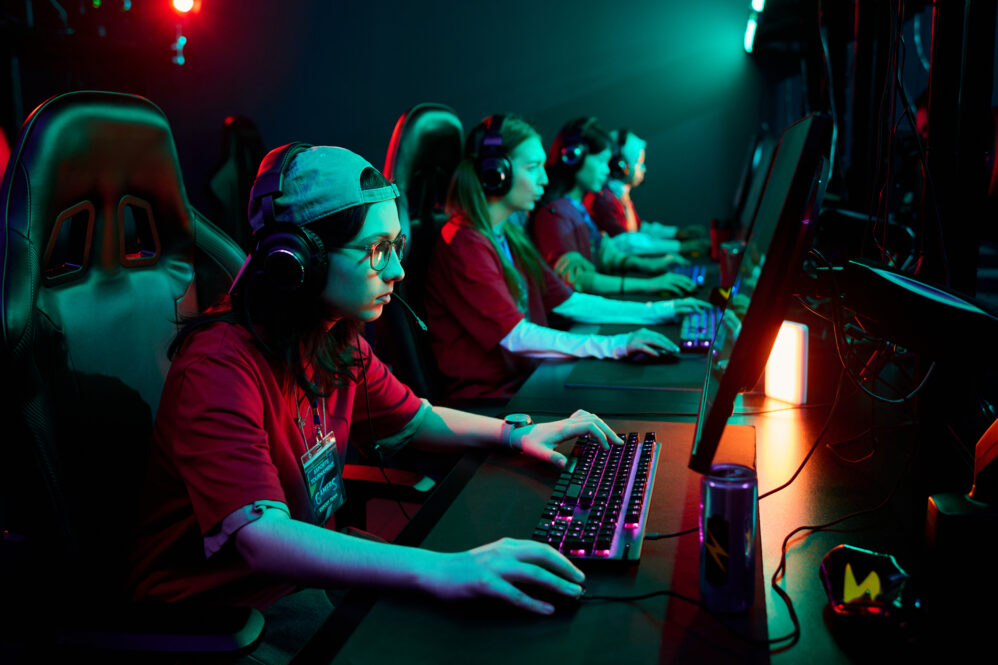
How do you design a broadcast and streaming setup for collegiate esports?
A collegiate esports broadcast setup can be fairly simple or surprisingly sophisticated. The right answer depends less on how much equipment the university can buy and more on what it actually plans to produce, whether that’s an occasional varsity livestream, weekly matches, student-produced shows, tournaments, interviews, or academic production work.
START WITH THE BROADCAST, NOT THE EQUIPMENT LIST
For a basic collegiate esports broadcast, universities may need a production computer, gameplay feeds, commentator microphones and headphones, cameras, lighting, graphics or streaming software, monitors, and a reliable network connection. More ambitious programs can add player cameras, instant replay, multiple commentary positions, interview areas, dedicated audio controls, and a separate production room.
We’d resist the temptation to start shopping for cameras and video switchers before answering some basic questions. How often will you broadcast? Which games? Where will the content appear? Who will produce it? Will broadcasting be run by the esports program, student media, academic courses, or some combination of all three? A team streaming twice a month doesn’t need the same system as a communications program producing several shows every week.
That planning should also happen alongside the rest of the facility. Our guide to collegiate esports equipment covers the larger relationship between gaming systems, peripherals, networking, furniture, and broadcast technology. The broadcast setup needs to fit into that ecosystem rather than becoming a separate project after the room is built.
DESIGN THE WORKFLOW BEFORE YOU DESIGN THE ROOM
Before deciding where equipment goes, map how the show will actually work. Where does the gameplay feed come from? Where are commentators sitting? Who controls graphics and audio? Are you recording locally while streaming? Will you use replays, player cameras, or interviews?
Even software such as OBS Studio is built around sources, scenes, audio, transitions, monitoring, recording, and streaming. Thinking through those pieces as a workflow makes it much easier to determine what hardware and space are actually necessary.
Players and production staff also have different needs. Competitors need to communicate without hearing commentators or production chatter, while casters need clean audio and producers need access to video, graphics, communications, and monitoring. Smaller programs may handle this with a production desk and treated casting area. Larger facilities may justify dedicated rooms.
Brazosport College’s esports facility is a useful example. Its production room supports live broadcasts, recordings, replays, and multicamera productions, while an adjoining casting studio provides space for commentary, interviews, and analyst segments. You don’t have to copy that setup, but it shows why production and casting are worth considering as distinct functions.
AUDIO MATTERS MORE THAN PEOPLE EXPECT
Universities naturally focus on cameras because video equipment is visible and fun to shop for. In practice, bad audio can make a broadcast feel amateur much faster than a less-than-perfect camera angle.
Commentators need appropriate microphones, headphones, monitoring, and enough acoustic control that their voices don’t compete with the room. Game audio, commentary, production communication, interviews, and music also need to work together without constantly forcing a student producer to rescue the mix.
Cameras and lighting should follow the same practical approach. You may need a commentator shot, a wider view of competition, and perhaps player cameras, but every additional camera creates another signal, cable, power source, and production responsibility. More equipment doesn’t automatically create a better show.
BUILD THE NETWORK FOR COMPETITION AND BROADCASTING TOGETHER
Streaming creates sustained upload demand while players are competing, spectators are using Wi-Fi, and production systems may be transferring or recording large files. That’s why the broadcast plan and network plan should never be developed independently.
Our article on esports facility network infrastructure goes deeper into wired connections, peak capacity, network segmentation, security, and updates. For broadcasting specifically, campus IT should test the network with the full show running, not simply confirm that a production computer can reach the internet.
The same principle applies to backup plans. If a broadcast matters enough that losing it would create a serious problem, decide beforehand what happens when a stream, computer, camera, microphone, or network connection fails. Spare cables and adapters aren’t exciting purchases, but they’re considerably more exciting when you need one five minutes before going live.
DESIGN THE SYSTEM SO STUDENTS CAN ACTUALLY RUN IT
This is where collegiate esports broadcasting can become much more than streaming matches. Students can work as directors, commentators, observers, audio operators, graphics producers, replay technicians, camera operators, editors, and production assistants.
Syracuse University’s esports communications and management program incorporates broadcasting, production, communications, content creation, and event management, with students producing live esports content. Universities don’t need a dedicated esports degree to create similar opportunities. Communications, journalism, marketing, IT, and media-production programs can all connect to the facility.
The key is building something students can learn and repeat. Standardize graphics, audio settings, camera positions, file naming, accounts, checklists, and shutdown procedures so the entire operation doesn’t depend on one student who knows where everything is hidden. That student will graduate eventually.
Before the first real event, test the entire show with players competing, commentators talking, graphics running, cameras operating, the stream going out, and the network under realistic load. The best collegiate esports broadcast setup isn’t the one with the most equipment. It’s the one students can operate confidently week after week and that the university can realistically maintain.
Ask us! What questions do you have about content, strategy, pop culture, lifestyle, wellness, history or more? We may use your question in an upcoming article!
Like MediaFeed’s content? Be sure to follow us.
This article originally appeared on Esport Supply and was syndicated by MediaFeed.co