
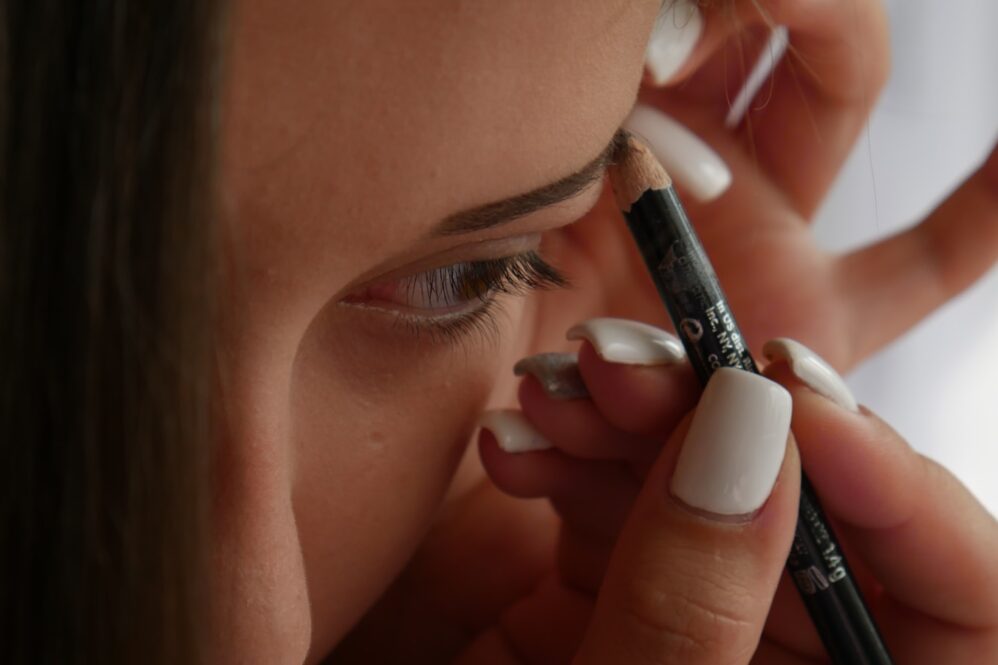
Makeup for Zoom Calls: 10 Quick Ways to Look Polished in Minutes
Video meetings have become a regular part of daily life, whether you’re working remotely, interviewing for a new job, attending virtual events, or catching up with colleagues. The challenge is that webcams often flatten features, wash out skin tone, and make tired eyes more noticeable.
The good news is that you don’t need a full makeup routine to look polished on camera. A few strategic steps can help you appear more awake, refreshed, and professional in just a few minutes.
1. Start With Lightweight Skin Coverage
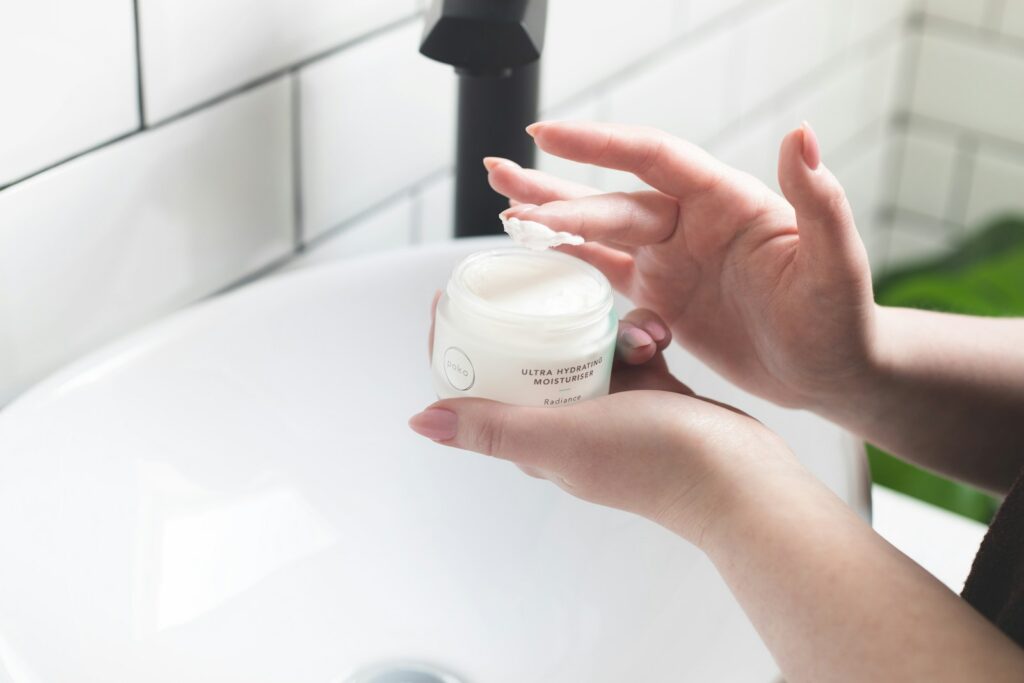
Heavy foundation can sometimes look cakey on camera, especially in natural light. Instead, reach for a tinted moisturizer, BB cream, or lightweight skin tint.
These products help even out redness and discoloration while still allowing your skin to look natural. Blend quickly with your fingers for the fastest application.

2. Brighten Under-Eye Areas
Video calls can exaggerate shadows and make under-eye circles appear darker than they really are.
A small amount of concealer under the eyes can instantly make you look more rested and alert. Choose a shade that matches your skin tone and blend well for a seamless finish.
3. Add a Touch of Blush
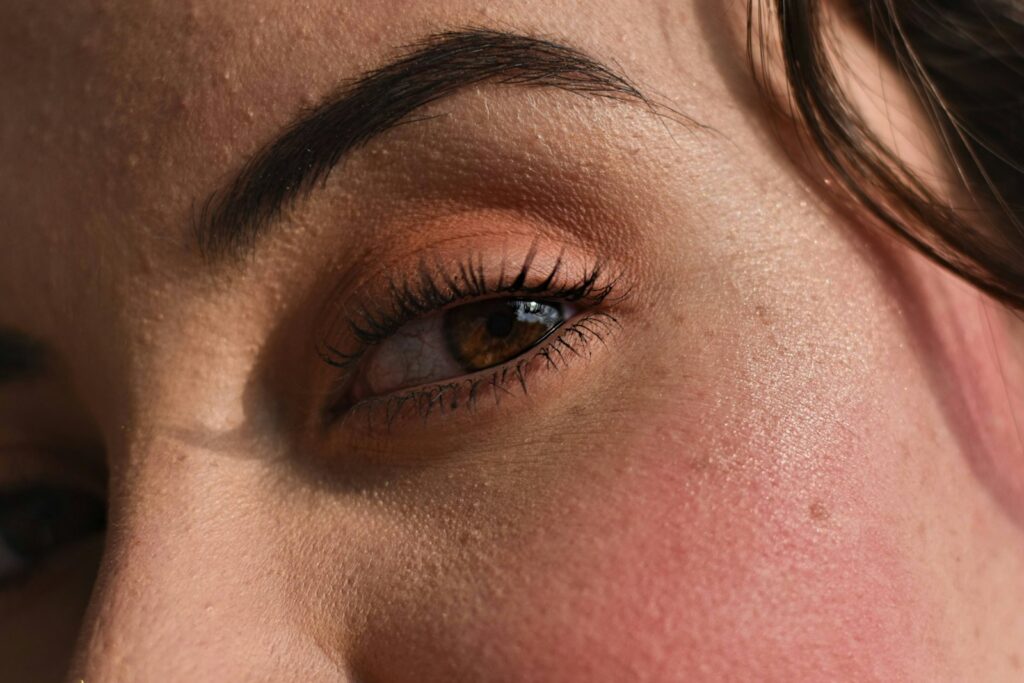
Cameras tend to flatten facial features and reduce natural color.
A soft cream or powder blush adds warmth and dimension back to your face. Apply it to the apples of your cheeks and blend upward for a healthy, natural-looking glow.
4. Brush and Define Your Brows
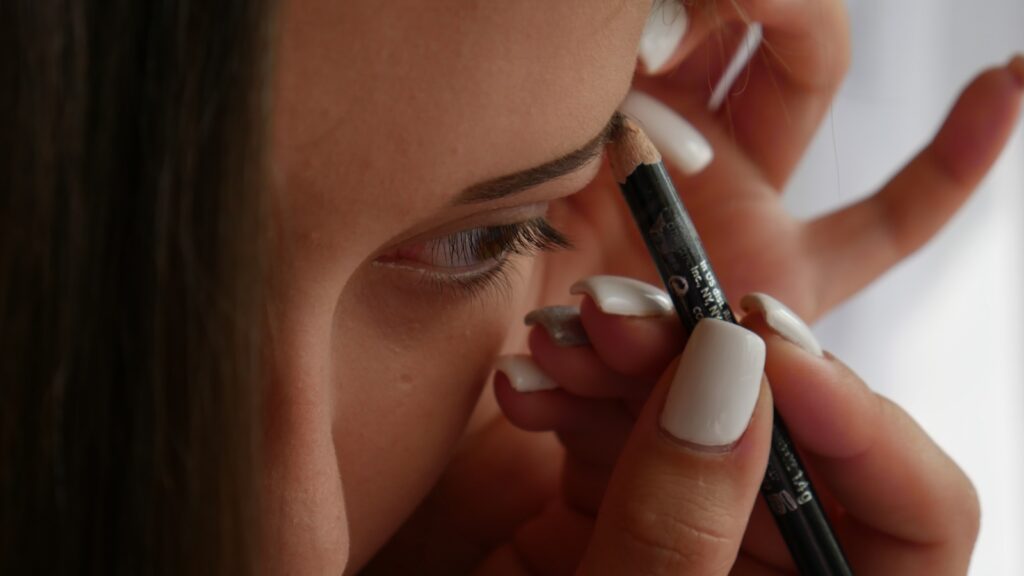
Well-groomed brows frame the face and create structure, even if you’re wearing very little makeup elsewhere.
A tinted brow gel or clear brow gel can quickly tame stray hairs and make your face appear more polished with minimal effort.
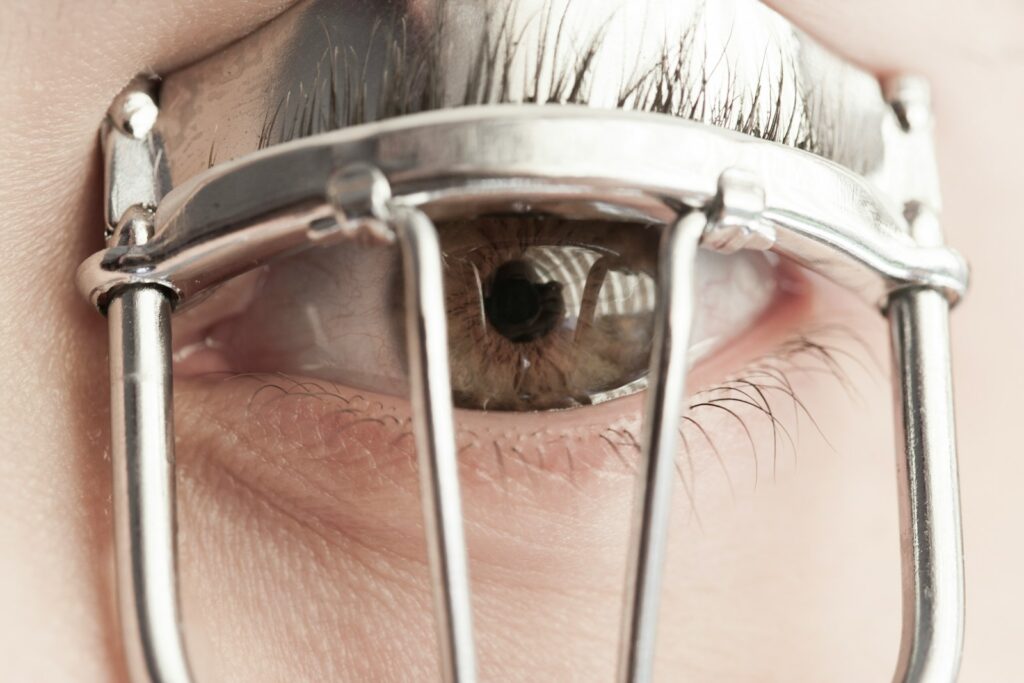
5. Curl Your Lashes
An eyelash curler can make a noticeable difference in just a few seconds.
Curling the lashes helps open up the eyes, making you appear more awake and engaged during video calls. It’s one of the fastest beauty tricks available.

6. Apply Mascara Strategically
If you’re only using one makeup product, make it mascara.
A coat or two on the upper lashes helps define the eyes, improves contrast, and prevents your features from disappearing under webcam lighting. Waterproof formulas can also hold a curl longer throughout the day.
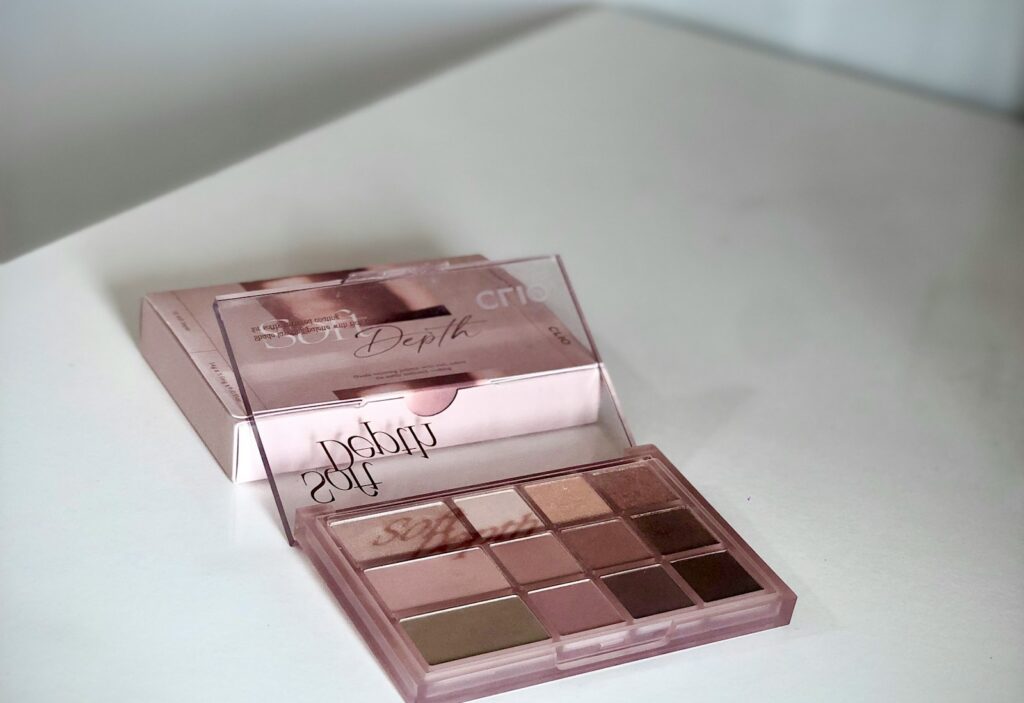
7. Use Neutral Eye Definition
You don’t need a complicated eyeshadow look for virtual meetings.
A soft taupe, beige, or light brown shade swept across the eyelids can create subtle definition without appearing overly dramatic. Neutral shades tend to translate best on camera.

8. Choose a Natural Lip Color
Lips can look washed out on video, especially under bright lighting.
A tinted lip balm, sheer lipstick, or moisturizing lip stain adds color and polish while still looking effortless. Shades close to your natural lip color often work best for professional settings.

9. Let Lighting Do Some of the Work
Sometimes the biggest beauty upgrade isn’t makeup at all.
Natural light from a nearby window can brighten your complexion, reduce shadows, and make your skin appear healthier. If natural light isn’t available, position a soft light source in front of you rather than overhead.
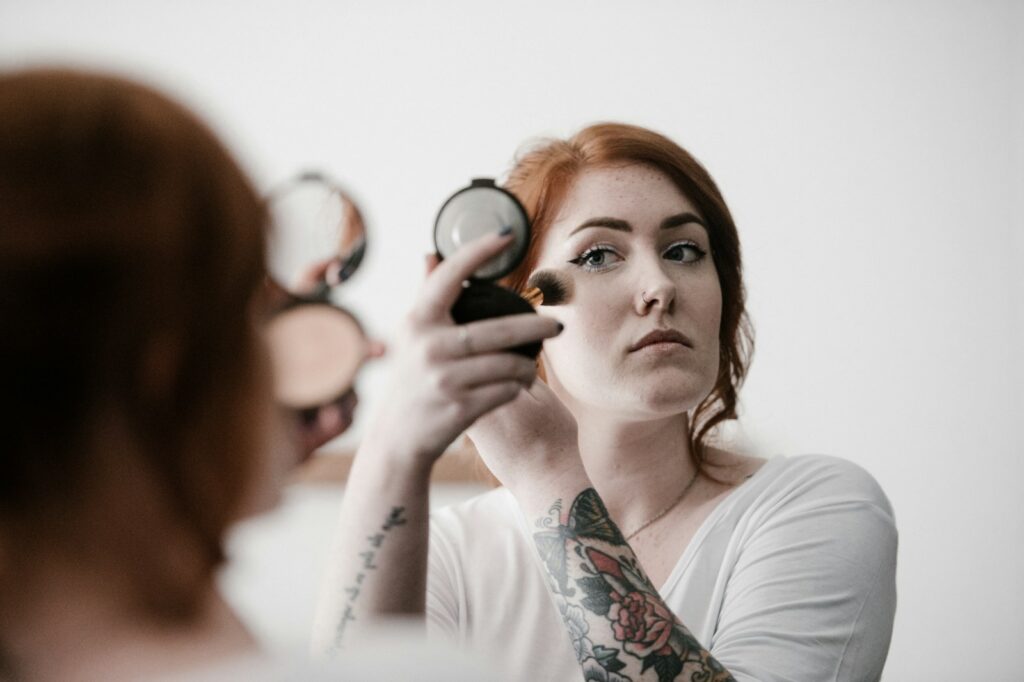
10. Create a Quick Emergency Routine
Unexpected meetings happen.
For last-minute calls, focus on the three highest-impact steps:
- Concealer under the eyes
- Mascara on the lashes
- Blush on the cheeks
Combined with good lighting, these simple touches can help you look put-together in less than two minutes.

Camera-Ready Without the Stress
Looking polished on Zoom doesn’t require a lengthy beauty routine or dozens of products. By focusing on skin, eyes, brows, and a touch of color, you can create a professional appearance in just a few minutes.
The goal isn’t perfection. It’s looking like the most rested, confident version of yourself. With a few multitasking products and smart lighting, you’ll be ready for any video call that appears on your calendar.
Read More:
- 15 Clever Ways to Drink More Water Every Day (Without Trying Hard)
- Not a Morning Person? 10 Ways to Change That
- 10 Common Foods That May Help Reduce Inflammation
Ask us! What questions do you have about content, strategy, pop culture, lifestyle, wellness, history or more? We may use your question in an upcoming article!
Like MediaFeed’s content? Be sure to follow us.
This article originally appeared on Resourcebuzz and was syndicated by MediaFeed.co.