

Paying your employees doesn’t have to be a chore. If you use direct deposit, not only will you save money and time, but it can make your employees happy. If you’re ready to help your team become part of the 93% of Americans that Payroll.org says receive their pay through direct deposit, keep reading this guide about how to set up direct deposit for your employees.
We’ll walk you through everything you need to know about direct deposit, including its benefits and potential drawbacks, and how to set up payroll for direct deposit in 6 simple steps.
1. Pick a direct deposit provider
The first step in setting up direct deposit is to choose a provider. A direct deposit provider allows you to send money from your company account to your employee accounts using the ACH system.
Your bank or a payroll services company may be able to set you up with a system, or you can choose to use payroll software to transfer money. Outsourcing payroll can save you time, especially if you don’t have a dedicated payroll specialist.
Sending direct deposits costs money. Depending on the payroll provider you choose (and how their system works), you may be charged once in a lump sum or have to pay a per-employee and per-transfer cost. Some providers may run a credit check on your company to ensure it’s in good standing and will be able to pay your employees and the provider.
When you’re trying to decide which payroll provider to use, make sure to find out:
- What size companies they work with and can handle
- What they charge—this includes the cost of their services and the cost of transfers as well as what they charge to set up direct deposit for each employee
- How long it takes to set your company up for direct deposit
- How long it takes to add new employees after the initial setup
Once you’ve decided on a provider, your next step is to make sure you have an account that can be used for sending direct deposits.
2. Set up the proper bank accounts
Not all business bank accounts are the same. While it would be great if you could send direct deposits from your normal business bank accounts, you’ll need a special type of account. These payroll accounts are designed to handle regular ACH transfers.
Setting up these accounts is usually straightforward, but there are some factors to be aware of:
- The verification process can take several weeks.
- The bank may require you to sign forms stating that you agree to follow their policies regarding ACH payments.
- The bank may need to examine financial statements that prove your company has enough money to make these deposits.
If you use payroll software, many of these steps will be streamlined because much of the information necessary to set up direct deposits is already in your system. With QuickBooks, you can instantly connect your bank account and set up company payroll and direct deposits.
3. Collect employee information
After you’ve set everything up, you’ll need to collect deposit information from your employees. You can have them fill out paper forms, or if you have an employee HR portal, they can input the information themselves.
Here is the information you’ll need to set up direct deposit for employees:
- The employee’s bank name
- The employee’s routing number
- The employee’s account type
- The employee’s account number
Depending on your bank and where you live, you may also need to provide an employee’s Social Security number and have them read and sign a consent form that allows you to make deposits into their accounts. Some providers require a voided check along with the above information.
You’ll need to keep some of this information as a part of your payroll records, so do everything you can to ensure this data is secure.
4. Upload employee information into the payroll system
Once you’ve collected the necessary employee information, it’s time to upload it into your payroll system, and there are two ways to do this:
- Manual entry: You or a member of the HR or payroll team can enter the information into the direct deposit/bank system one employee at a time.
- NACHA form: The NACHA form is necessary for ACH payments. You can generate the form using your payroll software and upload it to your bank’s direct deposit services system to speed the upload process.
A NACHA form needs to have the following information:
- The name of the business or customer
- An email address for online payments
- The bank’s name
- The amount
- The kind of bank account
- An account number
- The transaction type
- Statement that allows debits: this should include language that explains that a transaction can be revoked.
- A signature field
Once the information has been uploaded, set up a payroll and direct deposit schedule.
5. Schedule payroll and direct deposits
Switching from paper checks to direct deposit reduces the amount of time you spend on payroll after the initial setup period.
No matter how you’ve been paying your employees, you probably already have a payroll schedule. Whether you want to keep it the same or change it when you transition to direct deposit, communicate all changes with your company. That includes the people who could be impacted by the change, starting with your payroll team. Work with them to figure out the timeline for the transition, and then let the rest of your team know what is changing.
You’ll set the dates in the payroll system to coincide with the proper schedules. Then you can run payroll.
6. Run payroll
Running payroll is the last step you’ll need to complete to begin paying your employees with direct deposit. If you’re manually running payroll, collect timecards, pay rates, and tax schedules. If you’re using software, you can automate payroll functions to save time and reduce errors.
After payroll has been tabulated, input the information into the direct deposit system, keep more than enough money to pay your employees in the proper account, and get ready for the next pay period.
Benefits of direct deposit
Direct deposit comes with several outstanding benefits that make it easy to understand why it’s become such a popular modern payment method.
Let’s look at a few benefits of direct deposit for employers.
- Money-saving: By not writing, printing, and mailing paychecks, employers can significantly reduce costs. And by opting for direct deposit, you can also avoid costs associated with reissuing lost or stolen checks and stopping payments.
- Time-saving: Switching to direct deposit is an excellent way to optimize time spent on payroll duties. Writing, signing, and delivering employee paychecks can be time-consuming and labor-intensive. Direct deposit eliminates all these painstaking steps by automatically transferring funds to your workforce ahead of payday.
- Increased security: Lost or stolen paper checks are among the most common sources of identity theft and fraud. Direct deposit protects you and your employees from the risks that come along with stolen checks and forged signatures.
- Automated pay scheduling: You’ll never have to worry about missing payroll and leaving your employees high and dry on payday. Modern technologies like same-day ACH payments make it easy to automate transfer schedules that ensure that paychecks clear on time, every time.
In addition to the benefits listed above, some payroll providers may have other features that add even more value to the cost of their services.
Drawbacks of direct deposit
Direct depositing employee pay isn’t always easy or cheap. Here are some potential drawbacks to direct deposits that you should consider.
- Overdraft fees are expensive: If your account doesn’t have enough money in it, you run the risk of having to pay overdraft fees for every deposit that goes beyond available funds. If you have a lot of employees, those fees can add up fast.
- You have limited stop-payment options: Most ACH transfers can’t be easily stopped or reversed. To stop a direct deposit transfer, most banks need three days’ notice, so check with your payroll provider to see what options are available in case you make a mistake.
- Fees and costs add up: Setting up each employee in a direct deposit system can cost anywhere from $50 to $150, according to the National Federation of Independent Business. Every deposit costs money, too. Your payroll provider likely charges recurring fees on top of deposit and setup costs. If you are doing payroll in-house, add the cost of your payroll team’s labor.
- If an employee switches banks, they have to fill out new paperwork: Some providers will require you to pay another setup fee if an employee switches banks. If the employee doesn’t provide you with the information before the cutoff date for the next pay period, you’ll need to find another way to pay them—usually by physical check or through a one-time wire transfer.
- Wrong account numbers can cause problems: Setting up an account number incorrectly can have a large, negative impact on your business. If you don’t pay your employees on time, you could face penalties from the government and frustration from your staff.
As you decide on a direct deposit provider, it’s a good idea to ask them how to protect your company from unwanted fees or complications. They may have features that are designed to reduce those kinds of issues.
This article originally appeared on the QuickBooks Resource Center and was syndicated by MediaFeed.org.
More from MediaFeed:
8 ways to get the best credit score you can
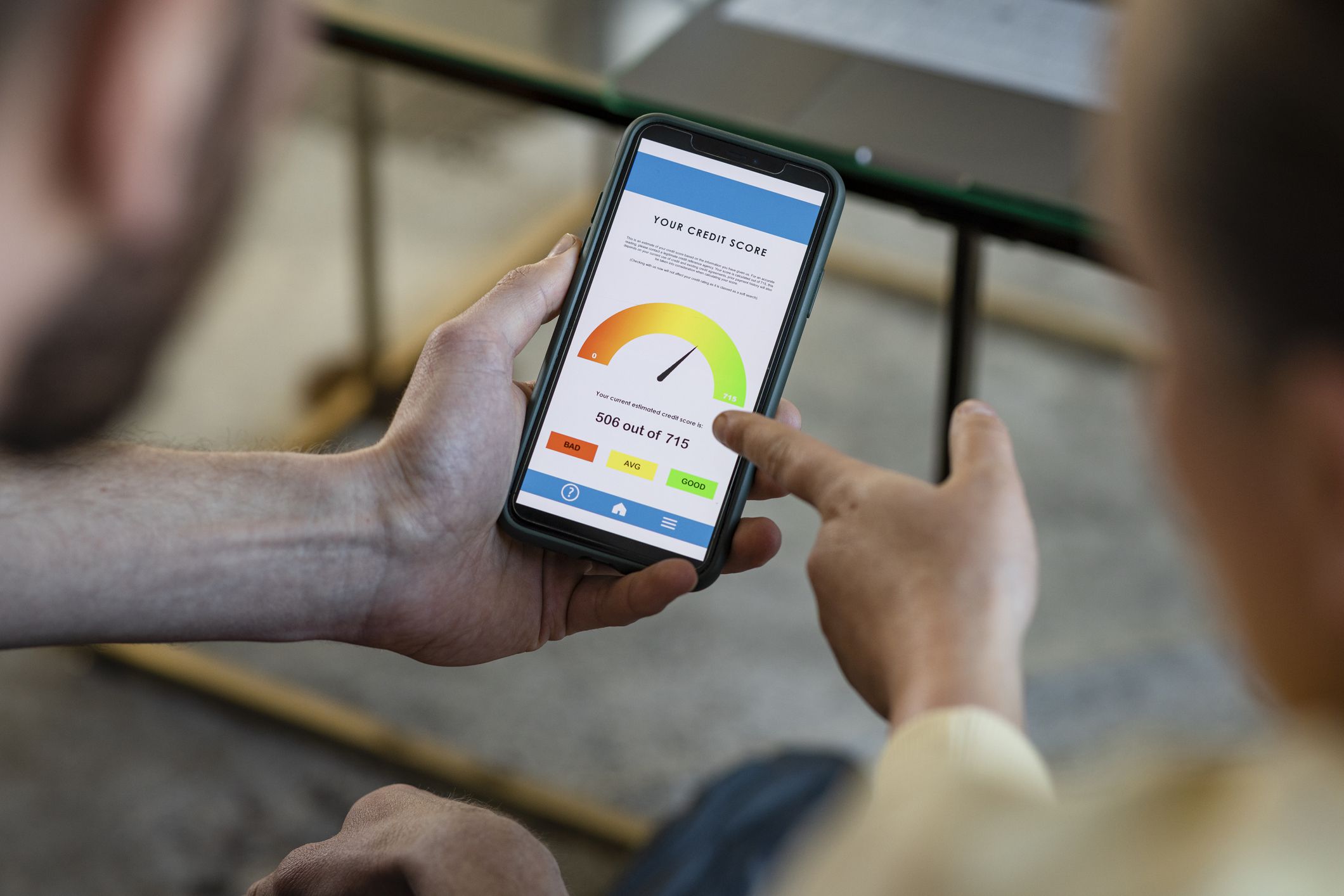
Learning how to achieve and maintain a good credit score is a crucial part of your financial health. Not only can it be a badge that says your financial life is in good shape, it can also help you access credit and get approved for loans and insurance at more competitive rates. Being approved for lower interest rates and premiums can in turn save you tens of thousands of dollars over your lifetime.
A solid credit score can also have other perks, such as helping you get approved for products with better features, such as rewards credit cards.
While there’s no one size fits all solution on how to keep a good credit score, there are some best practices you can follow. Read on to learn more about this topic and actual tactics, including:
- What is a credit score?
- How can you maintain a good credit score?
- What are tips to keep your credit score high?
- How can new credit card users establish a credit score?
SolStock/istockphoto
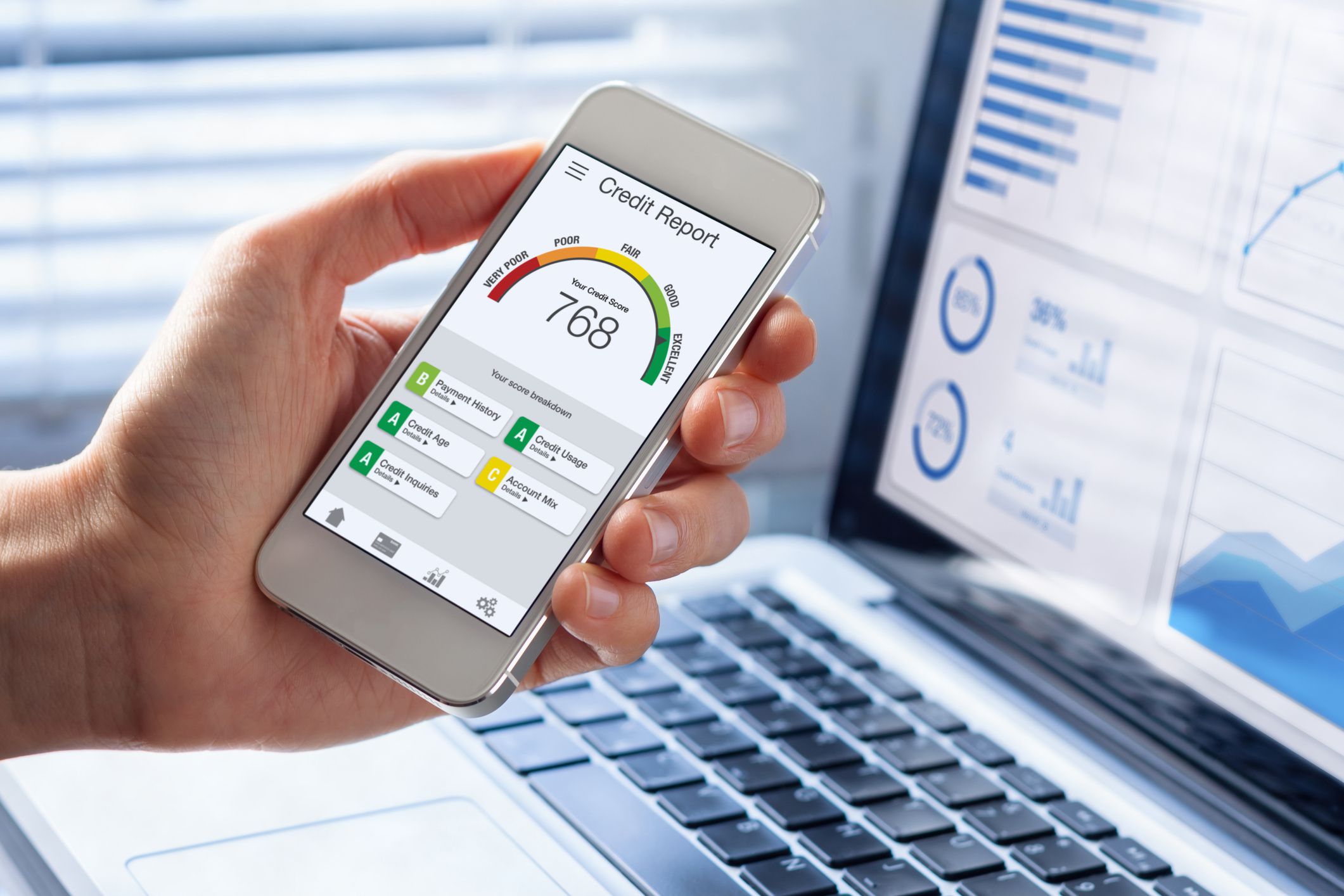
A credit score is a three digit number ranging from 300 to 850 that is an indicator of your credit behavior. Your score is calculated based on your credit history from all three credit bureaus — Experian, Equifax, and TransUnion — and is based on how lenders may perceive your risk as a borrower.
What exactly does that mean? By reviewing your past use of credit, your score reveals if you are more or less likely to pay back your loans on time. If you are more likely to repay your debts in a timely manner, the less risky you are.
The higher your credit score, the more creditworthy you are in the eyes of lenders.
NicoElNino/istockphoto

Several factors can affect your credit score, such as your payment history, the number of loan or credit applications submitted, and the age of your accounts you hold. There are also different scoring models, such as FICO vs. VantageScore. Each weighs factors differently to arrive at a credit score.
Meaning, there may be some differences in your credit score.
Lenders may look at one credit score or all of them, plus different qualification criteria when deciding whether to approve you for a loan and at what interest rate.
tolgart/istockphoto

Though there are different credit scoring models, most use similar financial behaviors to calculate them.
They’re grouped in the following categories:
- Payment history: This factor is one of the most important factors in your credit score as it assesses whether you’re likely to pay your loan on time. Credit scoring models will look into current and past account activity, including any late or missed payments.
- Amounts owed or available credit: The percentage of the available balance you’re using is your credit utilization. The more you are using available credit in your revolving accounts (like your credit cards and lines of credit), the more it could appear you rely too much on credit. This can make you look like a risky person to whom to lend.
- Age of credit history: The longer your credit history, the more a lender can look into your credit behavior. It’s usually considered good to have a long credit history vs. a very short or recent one.
- Account types: Having a different mix of loans offers more insight into how you handle various accounts. Credit-scoring models may not, however, use this as a major factor when calculating your score.
- New or recent credit: The more recent applications you submit for new loans or credit accounts, the more risky you may appear to be. That’s because it may look like you need to rely on credit; that you are quickly trying to acquire different forms of access to funds.
(There are some exceptions, such as shopping around for mortgages within a short span of time.)
Thai Liang Lim/istockphoto

Understanding the importance of a good credit score and what goes into it can help you protect the one you have. The following are eight suggestions on how to maintain a good credit score.
1. Pay Your Credit Card Bills on Time
Ensuring you’re on top of your bills (not just your credit cards) will help keep a positive payment history in your credit reports. This is the single biggest contributing factor to your credit score at 30% to 40%. Consider setting up automatic payments or regular reminders to ensure you’re paying on time.
damircudic/istockphoto

Your credit utilization is the percentage of the available limit you’re using on your revolving accounts like credit cards. Basically, you don’t want to spend close to or at your credit limit. A good rule of thumb to follow is to now use more than 30% of your overall credit limit.
So if you have one credit card with up to $10,000 as the limit, you want to keep your balance at $3,000 or lower.
JulPo/istockphoto

Even if you don’t use your older credit cards that often, keeping them open means you can maintain your long credit history. Consider charging a small or occasional amount, whether an espresso or gas station fuel-up, to ensure your account stays open. This can reassure prospective lenders that you have been managing credit well for years.
alice-photo/istockphoto

Consider this as you try to keep a good credit score: Go slow. Since credit-scoring models look at the number of times you apply for new credit, only open one when you really need it. Stay strong in the face of offers to get free shipping or 10% off if you sign up for a card that many retailers promote.
Spreading out your applications is a good idea rather than regularly or heavily putting in a lot of card applications. By moving steadily and choosing a credit card and other types of funding carefully, you likely won’t raise red flags, such as that you need to rely heavily on credit.
AndreyPopov/istockphoto

Mistakes can happen, and errors in your credit reports could negatively affect your score. You can get your credit reports for free at AnnualCreditReport.com from all three credit bureaus.
It’s wise to check your credit scores regularly, which won’t impact your score. If you see an error — whether it’s an account you don’t own or a bill marked unpaid that you know you took care of — dispute it as soon as possible.
courtneyk/istockphoto

Making payments in full will help you maintain a positive payment history and lower your credit utilization. Both of these can maintain your creditworthiness and save you money on interest charges.
Liderina/istockphoto

Closing your old credit cards could shorten your credit history. It could also increase your credit utilization because it will lower your available credit limit. Even if you make the same amount in purchases, your credit utilization would go up when your credit score updates.
For example, if you currently have an overall credit limit of $28,000 and you have $7,000 in credit card balances, your credit utilization is 25%. If you close a credit card which had a $7,000 limit, you then lower your total available credit to $21,000 your credit utilization will go up to 33%.
Farknot_Architect/istockphoto

It can be hard to say no to an invitation to try a pricey new restaurant or not tap to buy when scrolling through social media. But when you let your spending get out of hand, you may use your credit cards too much. It can feel like free money in the moment — but you still have to pay it back. If you overextend yourself, you may find it hard to pay your balance on time and risk a late or missed payment.
Instead, spend only what you can afford and try to avoid lifestyle creep (having your spending rise with your pay increases or even beyond them). That can help provide some guardrails for using credit cards responsibly.
andreswd/istockphoto

Trying to establish a credit score can be a challenge since, ironically enough, you need credit to build credit.
If you are in this situation, there are several options to pursue, such as the following:
- Open a secured credit card: A secured credit card is one where you’ll put down a refundable cash deposit that will act as your credit line. You can use this to establish credit and apply for an unsecured credit card. Some issuers will upgrade you once you make consistent on-time payments for a predetermined amount of time.
- Apply for a credit builder loan: These types of loans are specifically geared towards helping you establish and build credit over time. Instead of getting the loan proceeds like a traditional loan, the funds are held in an escrow account until you pay back the loan in full.
- Become an authorized user: You can ask a loved one, like a parent or even a close friend, if they’re willing to add your name on their credit card account. Doing so means the credit account will go in your credit history. Of course, that doesn’t give you access to use their account without restraint. The guardrails can be established between you and the original card holder.
jpm.foto/istockphoto

Maintaining a good credit score (and keeping that score high over time) comes with perks such as increasing the likelihood of getting approved for loans at more favorable terms. You might qualify for lower interest rates, saving you a considerable amount of money over time.
Using a credit card wisely is one of the ways you can build and maintain your credit score. But that’s not all there is to opening a credit: You also likely want one with great perks.
This article originally appeared on SoFi.comand was syndicated by MediaFeed.org.
Financial Tips & Strategies: The tips provided on this website are of a general nature and do not take into account your specific objectives, financial situation, and needs. You should always consider their appropriateness given your own circumstances.
Third-Party Brand Mentions: No brands, products, or companies mentioned are affiliated with SoFi, nor do they endorse or sponsor this article. Third-party trademarks referenced herein are property of their respective owners.
Disclaimer: Many factors affect your credit scores and the interest rates you may receive. SoFi is not a Credit Repair Organization as defined under federal or state law, including the Credit Repair Organizations Act. SoFi does not provide “credit repair” services or advice or assistance regarding “rebuilding” or “improving” your credit record, credit history, or credit rating. For details, see the FTC’s website .
External Websites: The information and analysis provided through hyperlinks to third-party websites, while believed to be accurate, cannot be guaranteed by SoFi. Links are provided for informational purposes and should not be viewed as an endorsement.
DepositPhotos.com

ValentynVolkov/istockphoto
Featured Image Credit: Tempura/istockphoto.