8 Steps to Stop AI from Using Your Instagram Photos
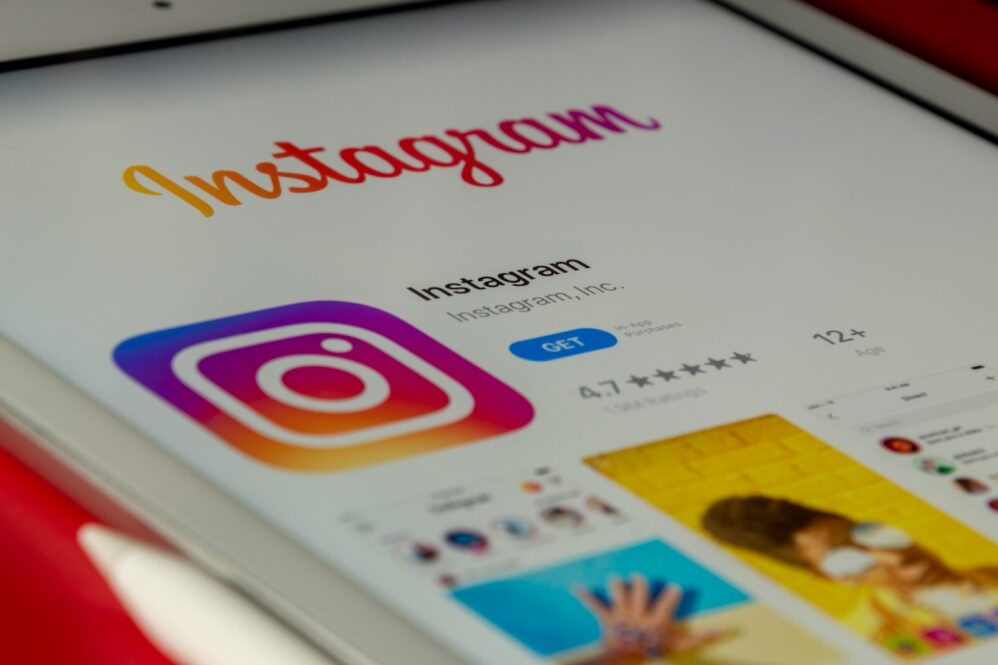
Instagram’s new Muse AI feature briefly allowed users to generate AI images using public Instagram content, raising privacy concerns before Meta said it was discontinuing the feature. While this can be a creative tool for some, it poses a significant privacy risk for many users. The feature raised concerns because public Instagram photos could be used in AI-generated images without the account owner’s explicit permission.
Understanding these risks is still useful, especially because AI and content-reuse settings can change quickly across social platforms. Fortunately, there are steps you can take to protect your content. Here are 8 steps to ensure your photos remain yours.
8. Access Your Profile Settings
Start by launching the Instagram app on your device and navigating to your profile page. This is the first step in taking control of your privacy settings.
Once on your profile, tap the hamburger menu located in the top-right corner to open the settings menu. This menu is your gateway to adjusting various privacy options.
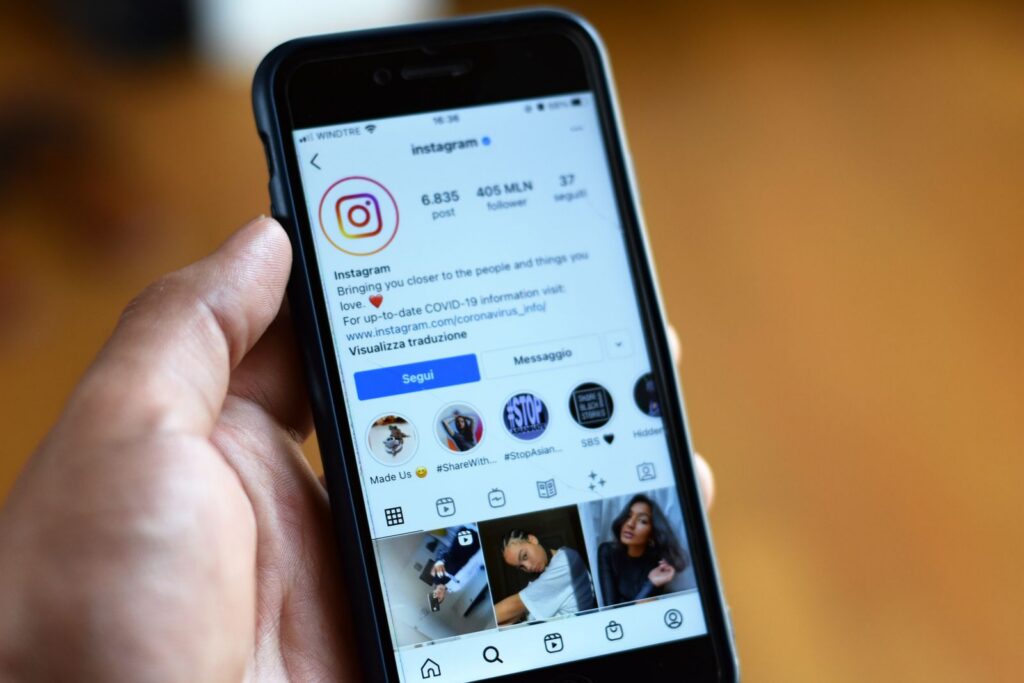
7. Navigate to ‘Sharing and Reuse’
Within the settings menu, scroll down to find the section labeled ‘How others can interact with you.’ This section contains critical privacy settings.
If the option is still available in your app, tap on ‘Sharing and Reuse’ to review how your content can be reused by others on Instagram and with Meta AI features.
6. Disable Content Reuse
In the ‘Sharing and Reuse’ section, locate the toggle labeled ‘Allow people to reuse your content on Instagram and with AI features at Meta.’ This setting is crucial for controlling your content’s exposure.
Turn off this toggle to prevent others from using your posts and reels to generate AI content. This simple action can significantly enhance your privacy.
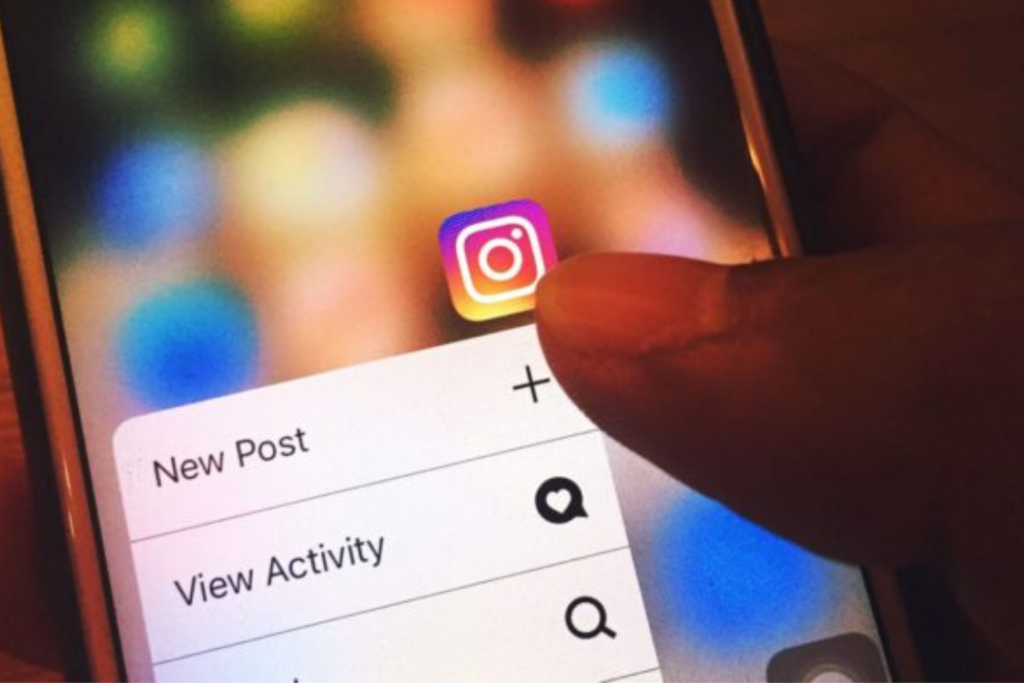
5. Adjust Individual Post Settings
If you prefer to control reuse on a post-by-post basis, Instagram allows you to do so. Open the menu for any individual post you wish to protect.
Within the post menu, look for any reuse-related option like ‘Turn off reuse’ and turn it off if Instagram makes that control available.

4. Understand the Risks
It’s important to recognize that having a public profile means your content is more accessible to others. This can lead to misuse if not properly managed.
While AI tools can be creative, the potential for misleading edits, impersonation, or nonconsensual image use is a real concern. Stay informed and vigilant.
3. Stay Updated on Privacy Policies
Social media platforms frequently update their policies. Keeping abreast of these changes is vital for maintaining control over your content.
Make it a habit to review Instagram’s privacy settings regularly to ensure your preferences are up to date.
2. Educate Yourself on AI Tools
Understanding how AI tools like Muse Image operate can help you make informed decisions about your online presence.
Being aware of the capabilities and limitations of these technologies helps you better protect your digital identity.

1. Encourage Others to Protect Their Content
Spread awareness about the importance of privacy settings and encourage your friends and family to take similar steps to protect their content.
By working together, we can create a safer online environment where users are informed and empowered to control their digital presence.
Read More:
- 10 Ways AI Is Changing What Students Choose to Major In
- 9 Reasons Specialized AI Talent is Now More Valuable Than Ever
- 9 Ways Your Data Creates Value in the AI Economy
Ask us! What questions do you have about content, strategy, pop culture, lifestyle, wellness, history or more? We may use your question in an upcoming article!
Like MediaFeed’s content? Be sure to follow us.
This article originally appeared on Resourcebuzz and was syndicated by MediaFeed.co.